
We have a lot of fantastic digital resources, many of them courtesy of the Arkansas State Library. Because we’re a library in Arkansas, we have access to their Traveler Database. For this entire year, every month, we’re going to look at the different features available on these databases. For this month, we’re going to focus on social science and US government databases!
This post is going to be a little different from previous ones because, though most of these databases are straightforward ones similar to what has been covered in the past, there are a couple of unique ones that I especially want to highlight. To get to the social science resources, follow the directions in the first post of this series.
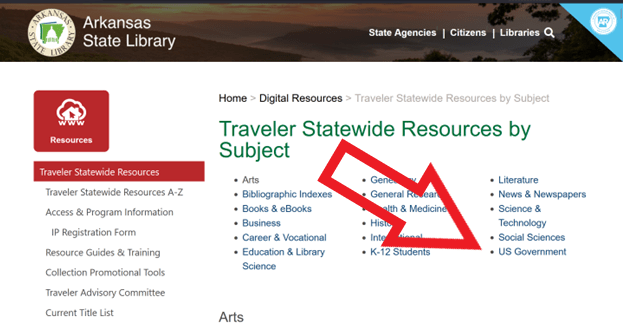
Then click on Social Sciences.

You will then get an overview of the several databases in this category.

Many of these databases are similar to others previewed in previous installments of this series. You can find scholarly articles on the topic at hand. To that end, many of these are highly specialized so perfect for students in high school or college classes or professionals in these fields. There are Linguistics, Political Science, Psychology, Religion, and Sociology, as well as Social Science. This last one overlaps with some of the others in the fields covered but also includes other social sciences like anthropology that may not be covered in the other databases.
If you scroll down a little farther, you will see the US Government databases. Alternatively, you can just select that at the top of the screen.
As with most of the Social Sciences databases, these are tailored toward professionals and scholars in the field, in this case criminal justice and military (with a heavy emphasis on related sciences, like aeronautics and civil engineering).

But what I really want to highlight are CultureGrams and Pronunciator. These are very different from the other databases and are both fun and educational for all ages. They can both be found in the Social Sciences database list.

First up, CultureGrams is a geography resource.
The landing page for CultureGrams takes you to the database’s 4 modules–world countries, everyday life around the world (specifically tailored for kids), US states, and Canadian provinces.
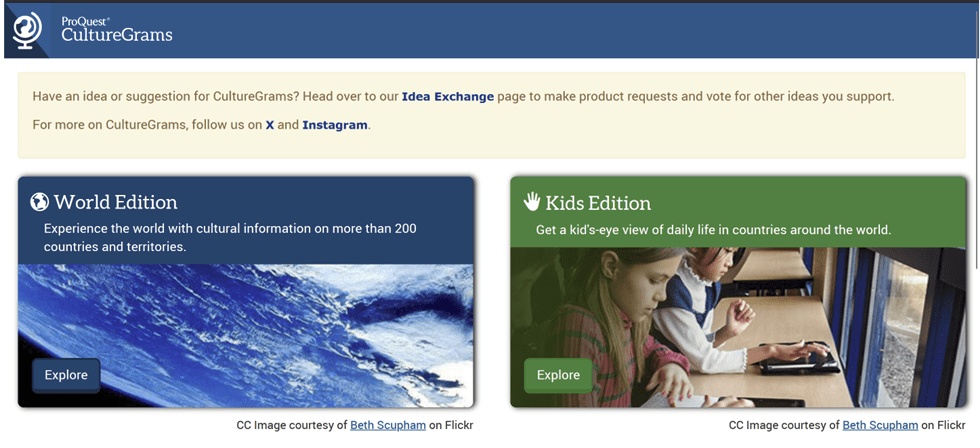
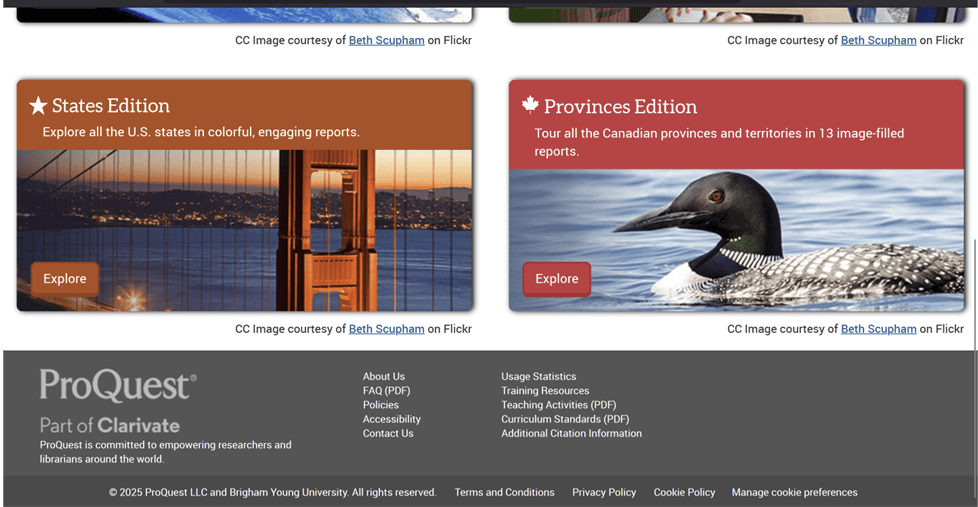
If you select World Edition, you will be taken to a map and can then select your region of interest.
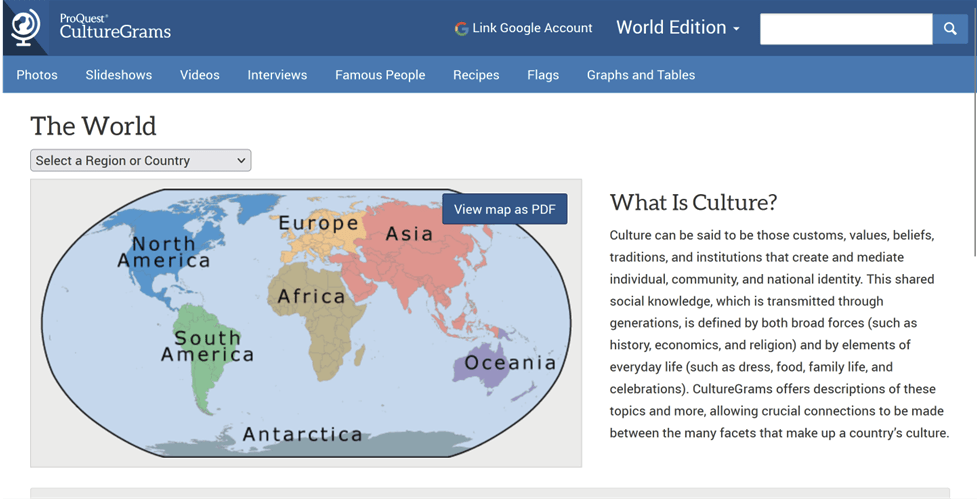
I decided to select Europe, which then takes me to a map of that continent and a list of its countries.
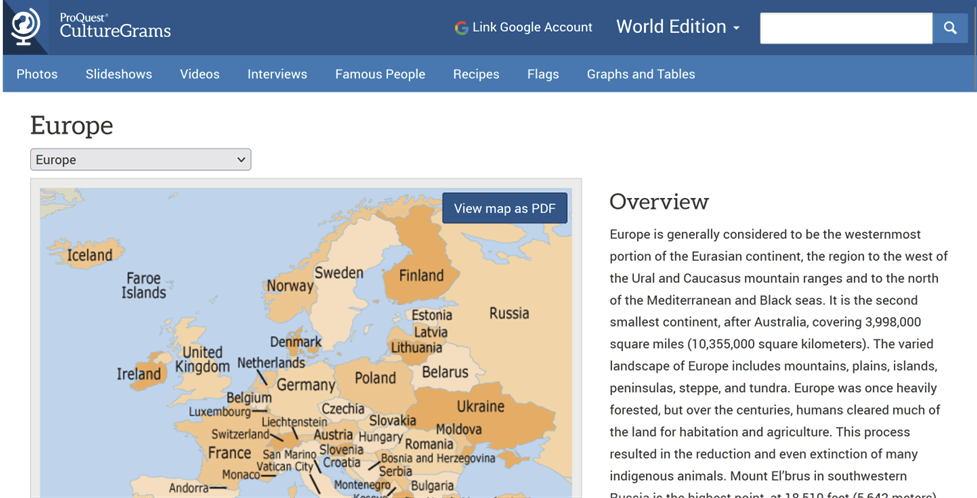

I selected the Faroe Islands, and then get an encyclopedia-like overview of the country’s culture and geography.


There is content on both sidebars to the right and left.
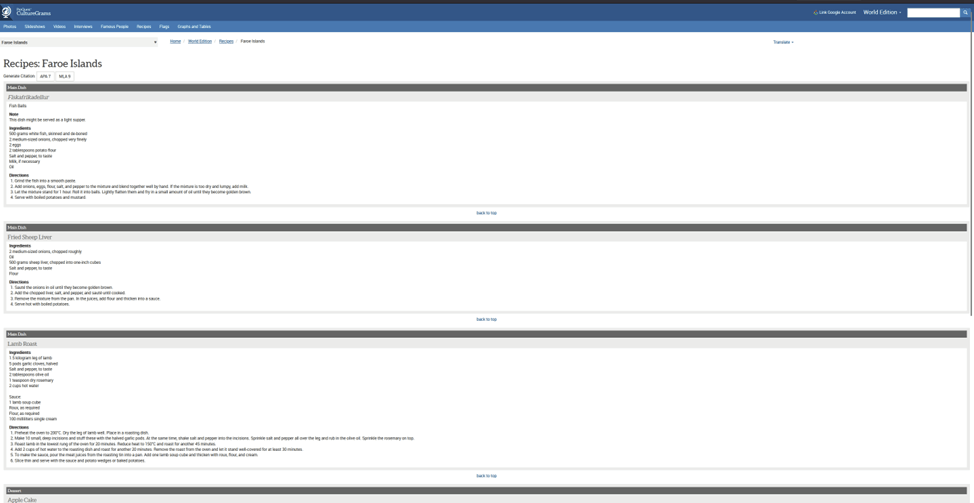
I like food, so I wanted to check out what they’re eating in the Faroe Islands. So, I selected Eating on the left.

The right also has a Recipes tab to click, which took me to several Faroese recipes, ranging from apple cake and rhuburb crumble to lamb roast.
If we go back to the Landing page and select the Kids Edition module, you get the same general world map to navigate from.
This time, I decided to explore Africa.

Let’s learn more about Lesotho. As with the other page we looked at it, CultureGrams provides encyclopedia-like information about the country, its history, and its culture.


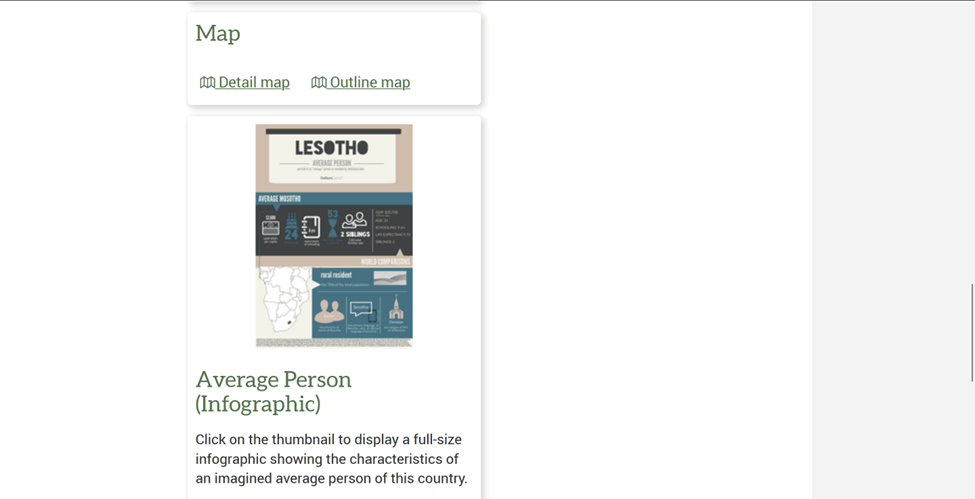
As with the other feature, you can find more information on both sidebars.
For the left-hand side, let’s select Food.

The right-hand side Recipes tab brings up something similar to what we got on the Faroe Islands. This time around, mutton, steamed bread, and sorghum porridge is on the menu.

Let’s switch gears and explore closer to home. If we go back to the landing page and select US States, you get to see a map of the US, and you can click on any state to learn more information.

Naturally, we’re going to pick the Natural State!

As with the international content, you get an encyclopedia article that provides basic trivia and facts on the state’s history, culture, and geography.

The sidebars also offer further content, like this explanation of Arkansas Traveler, our state library database’s namesake.

There are also more recipes! This time around for collard greens and cheesy baked grits.
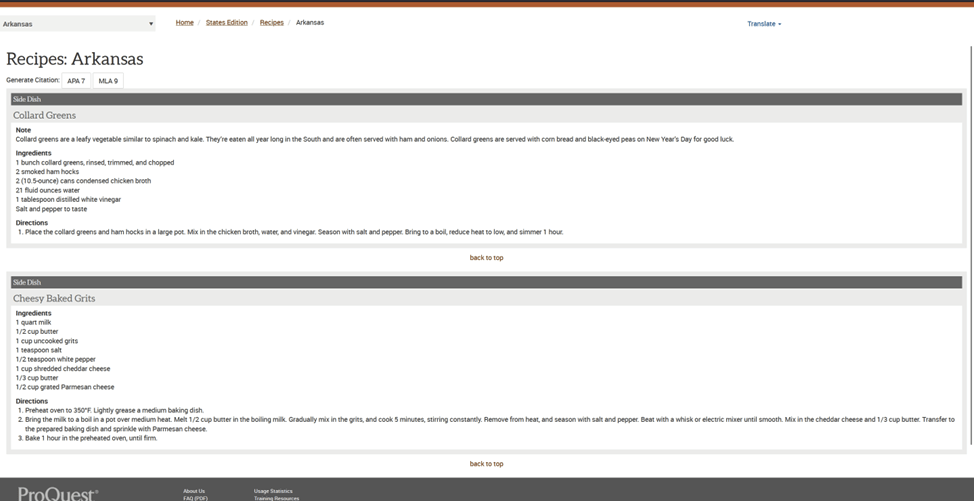
At the top of the Recipes page, you can click Recipes, and it will take you to recipes for all the states. (You can do something similar for all the modules.)
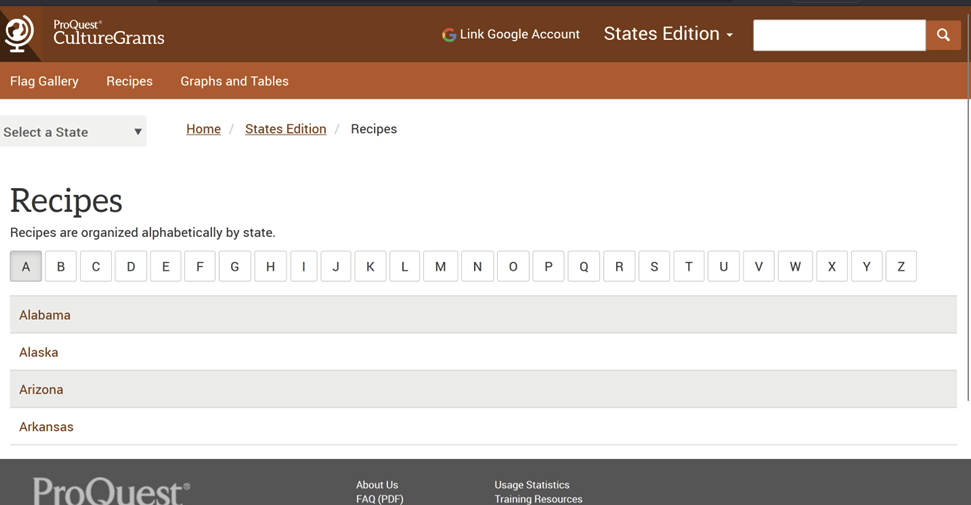
Let’s shift our attention to our northern neighbors.
The Canadian section of the database has the same basic setup.

Let’s see what they’re up to way up in the Yukon.
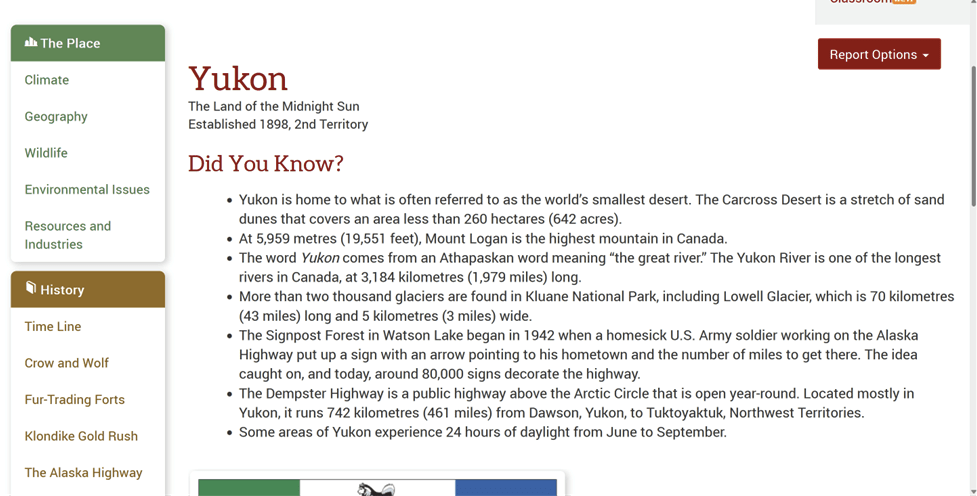
Again, as with before, it is an informative, accessible encyclopedia-style article covering the province.


And there are additional topics to explore in the sidebars on both sides, including our old friend, Recipes! For the Yukon, that includes sourdough starter and potato mash.

CultureGrams would be a wonderful resource for school or personal projects on different countries or states. It is a perfect jumping-off point for deep dives into one particular country or state or province, but it would also work equally as well for themed projects. I highlighted the recipes, which could make for a really fun cooking project, but the database can also be used for conveniently exploring flags, statistics, and even interviews with people from the featured places about their daily lives.
Another unique and wonderful resource database is Pronunciator. This language learning database has resources on over 100 languages.
You do need to create a separate account to use Pronunciator, which you will be prompted to do when you first access it.

Once you have made the free account, which is pretty easy, you can start language learning.

The first step is selecting a language to learn, and as mentioned earlier, there are a lot of options. Literally from A to Z, spanning all continents and the most popular languages in the world to endangered languages to ancient ones to modern fictional ones.


The available content does vary by language, which is all the more reason to check it out and explore your options.
I selected French to start. Oui, oui!


French is clearly a well-developed course on the site. In addition to the main course, there are also personalized courses, short lessons, a feature to make your own quizzes, learning guides, grammar reference resources, a translation feature, and podcasts.
This is an overview of what pops up if you select the Main Course.


If we go back to the list of languages and select Navajo instead, this is what comes up.

This is not as expansive as the French offerings, but it still has some neat helpful features for language learners.
First up is the translation feature that lets you translate from English or Navajo into the other language.

There are also grammar resources and a way to create your own quizzes here, just like with French.
Happy exploring on the Traveler databases!
What’s your favorite digital resource the library offers? Do you use the Traveler databases? Which of these databases are you most excited to try?

 Berryville Book Buzz
One thought on “Exploring Our Digital Tools: October”